

From a copied link to an opened file in a minute or two.
Steps
- In your browser, right-click the link to the file and choose Copy link.
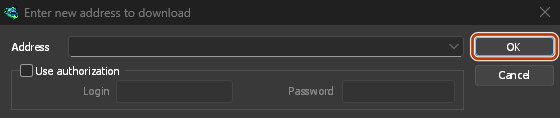
- In GDM, click Add URL on the toolbar (or press Ctrl+N). The address is already filled in.
- Click OK.
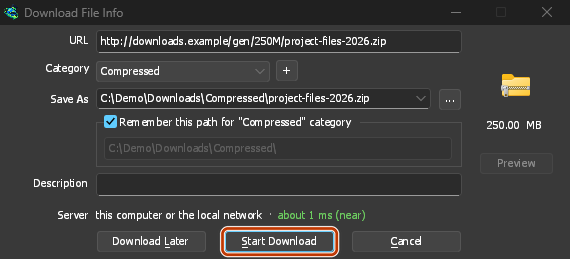
- Download File Info shows the file's name, its size and where it will be saved. The folder depends on the file's type: a ZIP goes to
Downloads\Compressed, a video toDownloads\Video, and so on. Change the folder or the category if you like. - Click Start Download.
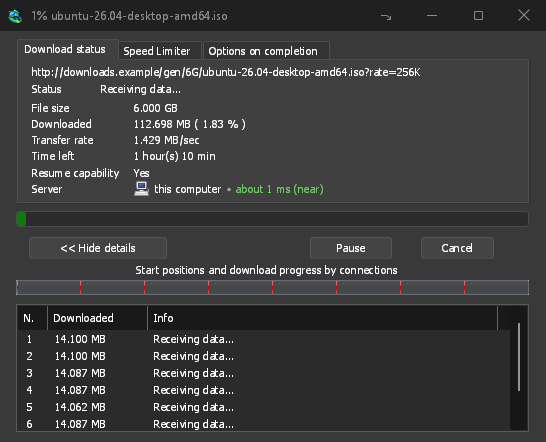
- The progress window shows the download: its speed, the time left, and what each connection is doing.
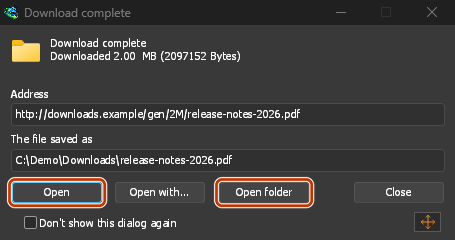
- When it finishes, Download complete appears. Click Open to open the file, or Open folder to see it in Explorer.
Add URL: the copied address is already there. Click OK. 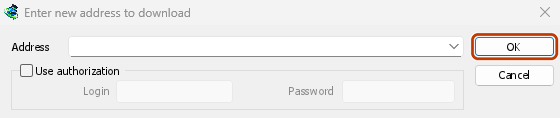
Check the folder, then Start Download. 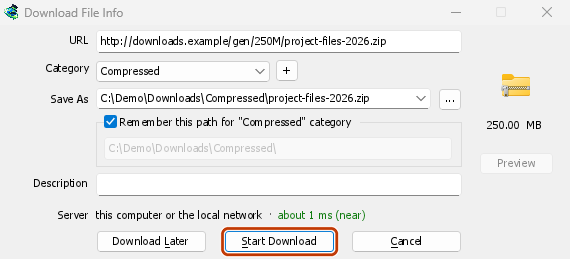
The progress window shows it coming in. 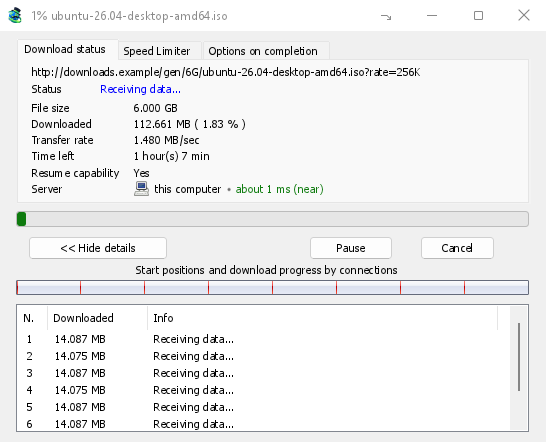
Done: Open the file, or Open folder. 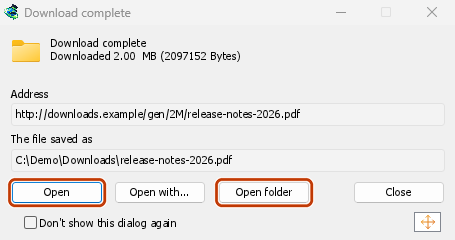
The download stays in the list under Finished. To get rid of the entry later, select it and press Delete; tick Also delete the file from disk only if you want the file gone too.
If something goes differently
- The address isn't filled in: the clipboard didn't hold a web address. Paste it into Address yourself.
- The video window opens instead: the address is a video's page. See Download a video from a page.
- GDM asks to create a folder: the folder doesn't exist yet. Click Yes.
- The download stops with an error: see Resume a broken download.
Next steps
- Catch downloads from your browser →
- All the ways to add a download →
- The progress window in detail →
Free, open source, no ads, no trial.
Download GolinksPRO Download Manager