

- Startseite
- Funktionen
- Video-Downloads
Video-URL einfügen und Qualität auswählen
GDM downloads videos from their web pages with yt-dlp, the open-source tool whose community keeps it working as sites change. You pick the quality; the video joins your other downloads.
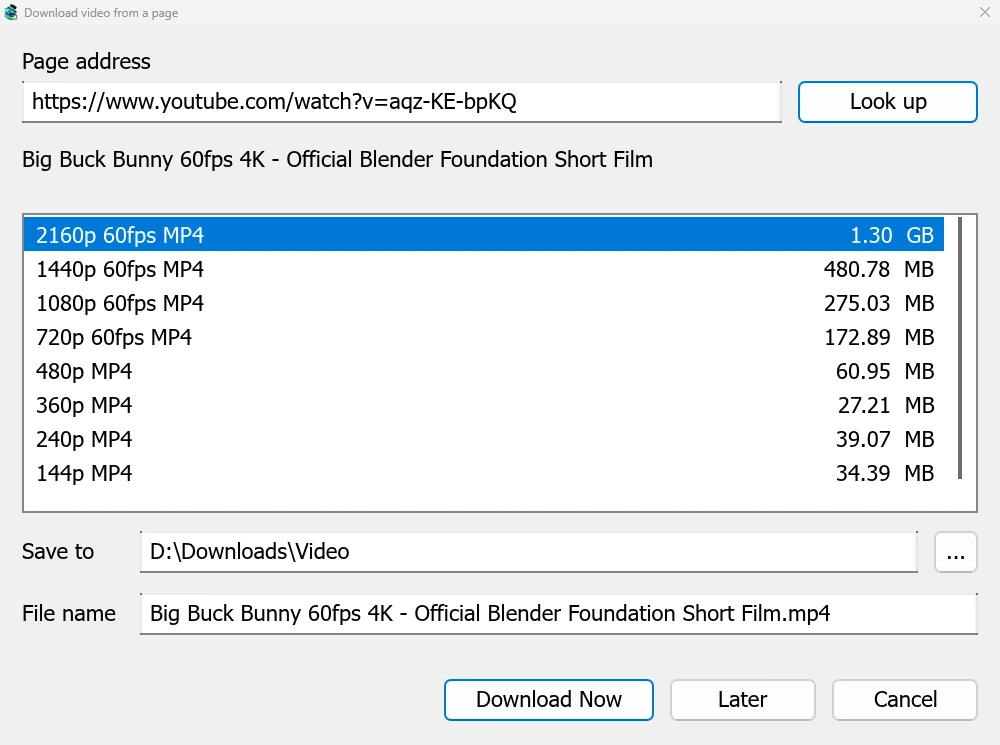
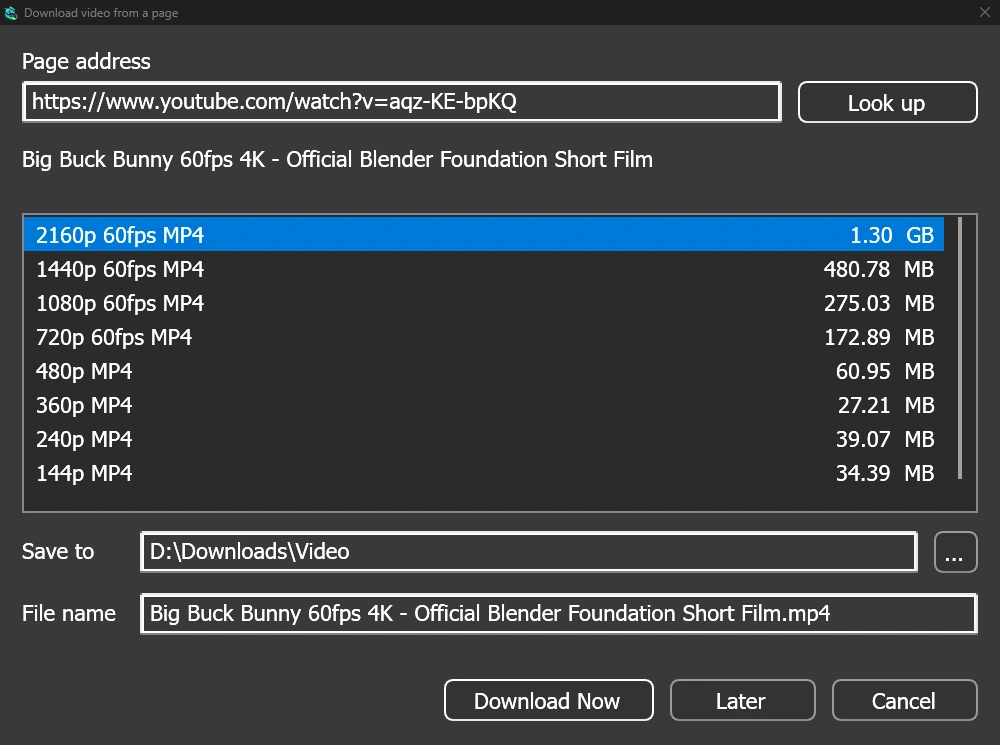
Ein Fenster für jede Videoseite
Give a video's page address to Add URL (Ctrl+N) and GDM sees that it is a video page: Download video from a page opens and looks it up. YouTube, Vimeo, Dailymotion, Twitch, TikTok, Instagram, Reddit and well over a thousand other sites work. With the browser extension, the button over a video opens the same window.
Die Liste zeigt jede Qualität mit ihrer Größe, die beste zuerst, und den Ton allein am Ende. Überprüfen Sie Speichern in und Dateiname, klicken Sie dann auf Jetzt herunterladen oder auf Später, um es für später in die Liste aufzunehmen. Das Video erhält eine eigene Zeile und ein Fortschrittsfenster, wie jeder andere Download.
Zwei Helfer, vor Gebrauch geprüft
GDM doesn't do this alone, and doesn't pretend to. yt-dlp reads the page and downloads the video. ffmpeg joins the picture and the sound when a site keeps them apart, which most sites do for their higher qualities. GDM offers both on its first start and downloads them from their official releases, checked against what their publishers sign before it uses them. On Linux and macOS GDM uses the system's ffmpeg.
Ohne ffmpeg erhalten Sie weiterhin die Qualitäten, die mit ihrem Ton geliefert werden.
Was es nicht kann
Videos protected with DRM, as most paid streaming services use, can't be downloaded, and GDM doesn't try. Downloading may be against some sites' terms: checking that is up to you.
Sites change often, and a newer yt-dlp usually fixes a video that stopped working. GDM doesn't update yt-dlp on its own yet; the help shows how to get the newest one.
Wiedergabelisten, Untertitel und MP3


- Wiedergabelisten und Kanäle: Fügen Sie die Adresse einer Wiedergabeliste oder eines Kanals ein, und das Fenster listet die Videos auf, alle angehakt. Eine Qualität gilt für alle, und sie werden in einem Ordner gespeichert, der nach der Liste benannt ist. Ein Kanal wird mit 50 Videos auf einmal aufgelistet, mit Mehr laden.
- Untertitel: zuerst die Sprachen des Uploaders, dann die automatischen Untertitel der Website. Sie werden neben dem Video gespeichert oder mit ffmpeg in eine MP4- oder MKV-Datei eingefügt.
- Nur der Ton: Nur Audio MP3 mit der besten variablen Bitrate oder mit 320, 256, 192 oder 128 kbit/s, Nur Audio OPUS und Nur Audio FLAC, mit dem ehrlichen Hinweis, dass FLAC keine Qualität hinzufügen kann, die der Ton der Website nicht hat.
- Videos, die eine Anmeldung erfordern: Optionen → Site-Anmeldungen → Cookies für Videoseiten ermöglicht yt-dlp das Lesen der Browser-Cookies für eingefügte Links. Chrome, Edge und Brave sperren ihre Cookies unter Windows, und das Fenster weist darauf hin; Firefox funktioniert, ebenso wie die Schaltfläche über dem Video.
- Ihr eigenes yt-dlp und ffmpeg: Helfer... übernimmt eine Kopie, die Sie bereits haben.
Kostenlos, Open Source, keine Werbung, keine Testversion.
Download GolinksPRO Download Manager