

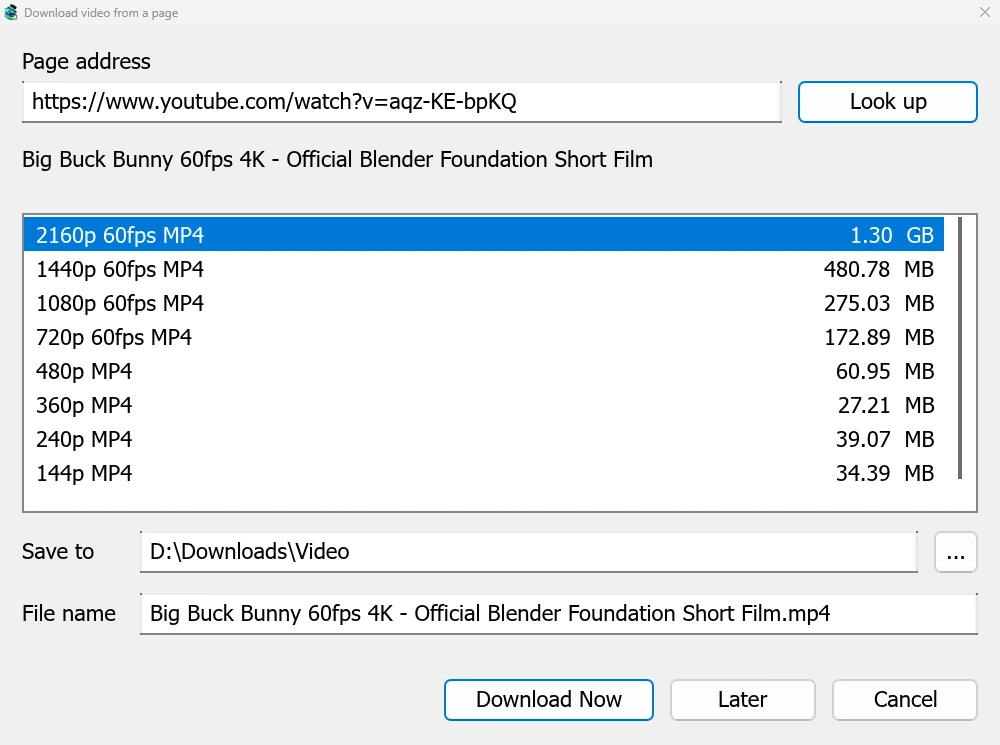
Satu jendela untuk halaman video apa pun
Give a video's page address to Add URL (Ctrl+N) and GDM sees that it is a video page: Download video from a page opens and looks it up. YouTube, Vimeo, Dailymotion, Twitch, TikTok, Instagram, Reddit and well over a thousand other sites work. With the browser extension, the button over a video opens the same window.
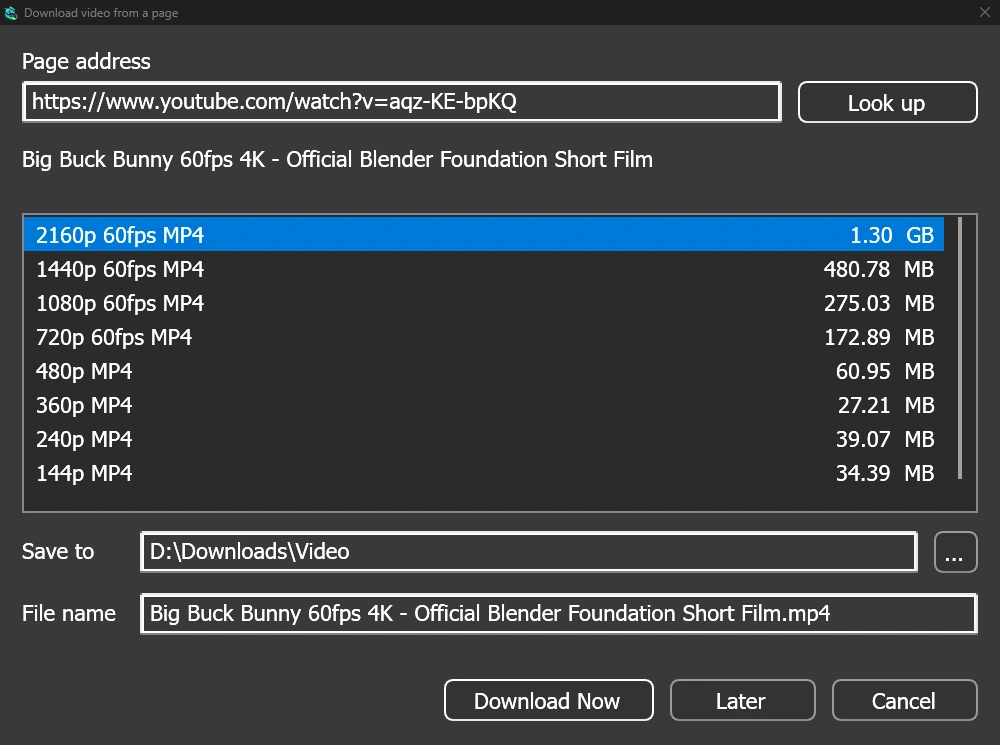
Daftar tersebut menunjukkan setiap kualitas dengan ukurannya, yang terbaik di awal, dan suara saja di akhir. Centang Simpan ke dan Nama file, lalu klik Unduh sekarang, atau Nanti untuk memasukkannya ke daftar untuk nanti. Video tersebut akan mendapatkan baris dan jendela progresnya sendiri, seperti unduhan lainnya.
Dua pembantu, diperiksa sebelum digunakan
GDM doesn't do this alone, and doesn't pretend to. yt-dlp reads the page and downloads the video. ffmpeg joins the picture and the sound when a site keeps them apart, which most sites do for their higher qualities. GDM offers both on its first start and downloads them from their official releases, checked against what their publishers sign before it uses them. On Linux and macOS GDM uses the system's ffmpeg.
Tanpa ffmpeg Anda masih mendapatkan kualitas yang disertai dengan suaranya.
Apa yang tidak akan dilakukan
Videos protected with DRM, as most paid streaming services use, can't be downloaded, and GDM doesn't try. Downloading may be against some sites' terms: checking that is up to you.
Sites change often, and a newer yt-dlp usually fixes a video that stopped working. GDM doesn't update yt-dlp on its own yet; the help shows how to get the newest one.
Daftar putar, subtitel, dan MP3


- Daftar putar dan saluran: tempel alamat daftar putar atau saluran dan jendela akan mencantumkan videonya, semuanya dicentang. Satu kualitas berlaku untuk semuanya, dan video tersebut masuk ke folder yang dinamai sesuai daftar. Saluran dicantumkan 50 video sekaligus, dengan Muat lebih banyak.
- Subtitel: bahasa pengunggah terlebih dahulu, lalu teks otomatis situs. Subtitel disimpan di samping video, atau dimasukkan ke dalam file MP4 atau MKV dengan ffmpeg.
- Suara saja: Audio saja MP3 dengan bitrate variabel terbaiknya atau pada 320, 256, 192, atau 128 kbps, Audio saja OPUS, dan Audio saja FLAC, dengan catatan jujur bahwa FLAC tidak dapat menambahkan kualitas yang tidak dimiliki suara situs.
- Video yang mengharuskan Anda masuk: Opsi → Login Situs → Cookie untuk situs video memungkinkan yt-dlp membaca cookie browser, untuk tautan yang ditempel. Chrome, Edge, dan Brave mengunci cookie mereka di Windows, dan jendela mengatakannya; Firefox berfungsi, begitu juga tombol di atas video.
- yt-dlp dan ffmpeg Anda sendiri: Pembantu... mengambil salinan yang sudah Anda miliki.
Gratis, sumber terbuka, tanpa iklan, tanpa masa uji coba.
Download GolinksPRO Download Manager