

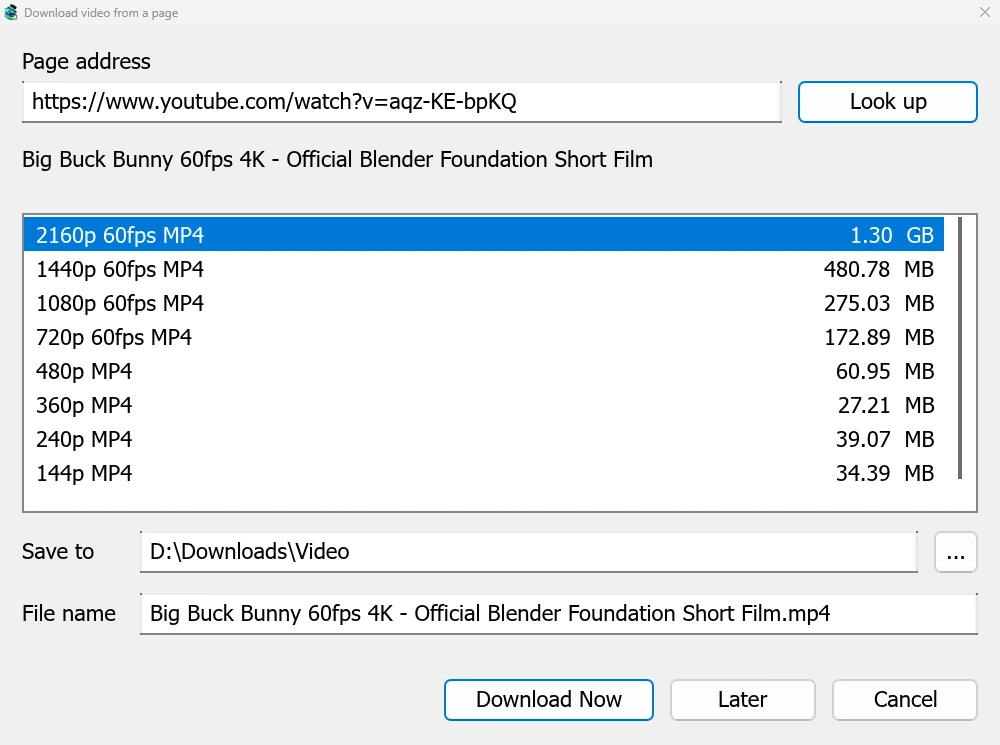
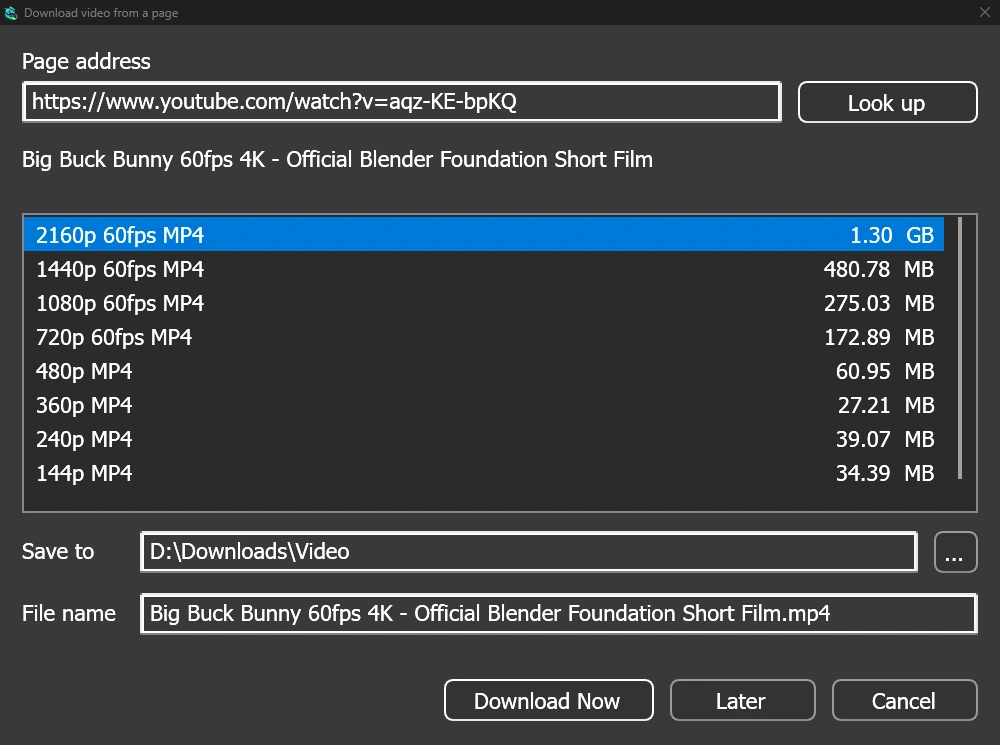
หน้าต่างเดียวสำหรับหน้าวิดีโอทุกประเภท
Give a video's page address to Add URL (Ctrl+N) and GDM sees that it is a video page: Download video from a page opens and looks it up. YouTube, Vimeo, Dailymotion, Twitch, TikTok, Instagram, Reddit and well over a thousand other sites work. With the browser extension, the button over a video opens the same window.
รายการจะแสดงคุณภาพแต่ละแบบพร้อมขนาด โดยเรียงจากคุณภาพดีที่สุดก่อน และเสียงอย่างเดียวจะอยู่ท้ายสุด ตรวจสอบ บันทึกไปที่ และ ชื่อไฟล์ จากนั้นคลิก ดาวน์โหลดเดี๋ยวนี้ หรือ ภายหลัง เพื่อเพิ่มลงในรายการสำหรับดาวน์โหลดภายหลัง วิดีโอจะปรากฏเป็นแถวของตัวเองพร้อมหน้าต่างแสดงความคืบหน้า เช่นเดียวกับการดาวน์โหลดอื่น ๆ
ตัวช่วยสองตัว ตรวจสอบก่อนใช้งาน
GDM doesn't do this alone, and doesn't pretend to. yt-dlp reads the page and downloads the video. ffmpeg joins the picture and the sound when a site keeps them apart, which most sites do for their higher qualities. GDM offers both on its first start and downloads them from their official releases, checked against what their publishers sign before it uses them. On Linux and macOS GDM uses the system's ffmpeg.
หากไม่มี ffmpeg คุณยังคงสามารถดาวน์โหลดวิดีโอที่มีเสียงมาพร้อมกันได้
สิ่งที่ไม่สามารถทำได้
Videos protected with DRM, as most paid streaming services use, can't be downloaded, and GDM doesn't try. Downloading may be against some sites' terms: checking that is up to you.
Sites change often, and a newer yt-dlp usually fixes a video that stopped working. GDM doesn't update yt-dlp on its own yet; the help shows how to get the newest one.
เพลย์ลิสต์ คำบรรยาย และ MP3


- เพลย์ลิสต์และช่อง: วางที่อยู่ของเพลย์ลิสต์หรือช่อง แล้วหน้าต่างจะแสดงรายการวิดีโอทั้งหมดที่ถูกเลือก คุณภาพเดียวจะใช้กับวิดีโอทั้งหมด และจะถูกบันทึกในโฟลเดอร์ที่ตั้งชื่อตามรายการ ช่องจะแสดงวิดีโอครั้งละ 50 รายการ พร้อมปุ่ม โหลดเพิ่มเติม
- คำบรรยาย: ภาษาของผู้ที่อัปโหลดก่อน จากนั้นเป็นคำบรรยายอัตโนมัติของเว็บไซต์ คำบรรยายจะถูกบันทึกไว้ข้างวิดีโอ หรือใส่ไว้ในไฟล์ MP4 หรือ MKV ด้วย ffmpeg
- เสียงอย่างเดียว: เสียงเท่านั้น MP3 ที่บิตเรตแปรผันที่ดีที่สุด หรือที่ 320, 256, 192 หรือ 128 kbps, เสียงเท่านั้น OPUS และ เสียงเท่านั้น FLAC พร้อมข้อความระบุอย่างตรงไปตรงมาว่า FLAC ไม่สามารถเพิ่มคุณภาพที่เสียงของเว็บไซต์ไม่มีได้
- วิดีโอที่ต้องเข้าสู่ระบบ: ตัวเลือก → การเข้าสู่ระบบไซต์ → คุกกี้สำหรับเว็บไซต์วิดีโอ ช่วยให้ yt-dlp อ่านคุกกี้ของเบราว์เซอร์สำหรับลิงก์ที่วางไว้ Chrome, Edge และ Brave ล็อกคุกกี้ของตนบน Windows และหน้าต่างจะแจ้งให้ทราบ Firefox ใช้งานได้ และปุ่มที่อยู่เหนือวิดีโอก็ใช้งานได้เช่นกัน
- yt-dlp และ ffmpeg ของคุณเอง: ตัวช่วย... จะใช้สำเนาที่คุณมีอยู่แล้ว
ฟรี, โอเพนซอร์ส, ไม่มีโฆษณา, ไม่มีช่วงทดลองใช้
Download GolinksPRO Download Manager